
Settings overview
| Platform | Status | Where |
|---|---|---|
| iOS | done | vulture-ios/Packages/SettingsScreens/Sources/SettingsScreens/Settings/Mainvulture-ios/Packages/Preferences/Sources/Preferences |
| Android | done | vulture-android/feature/settingsvulture-android/data/prefsSheet stack, a 560 dp card from 600 dp (P9-D2). |
Behaviour
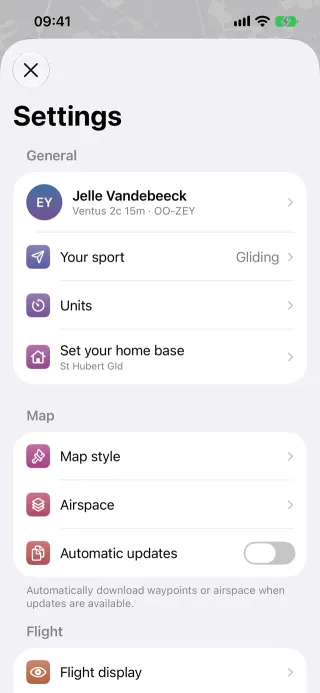
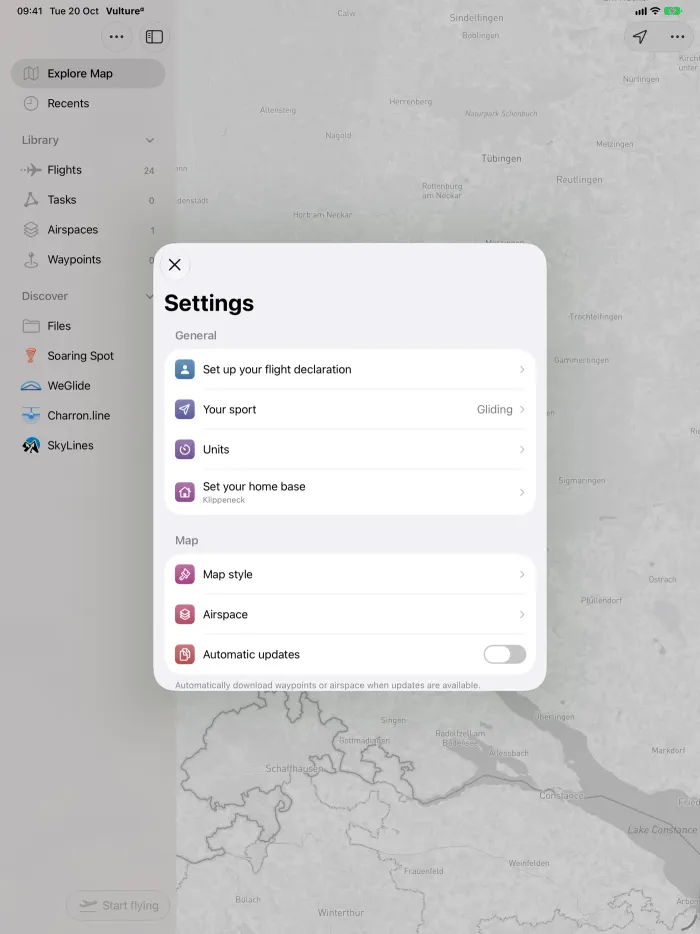
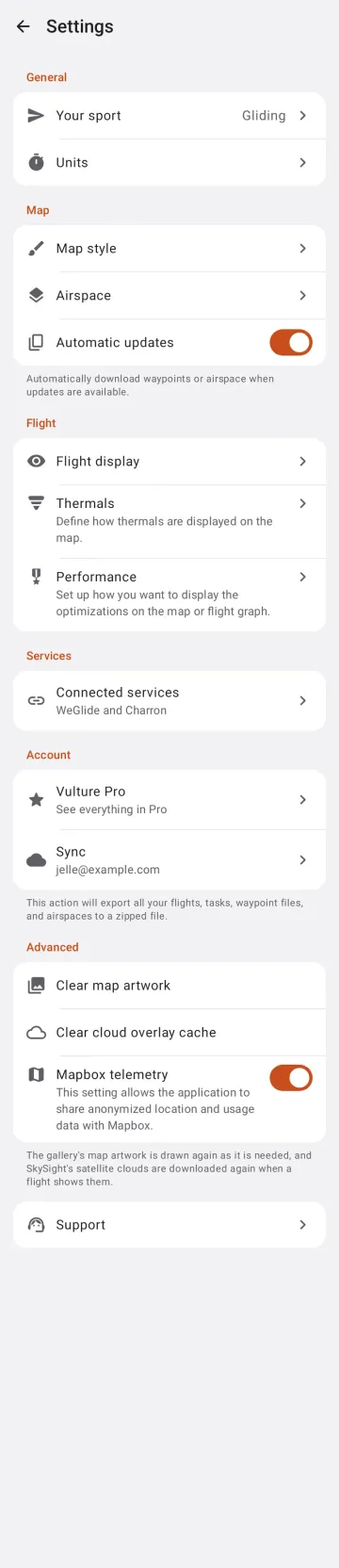
Section titled “Behaviour”- Settings hold: units, sport, map style, flight display, performance, thermals, airspace, in-flight display, zone defaults, flight declaration, home base, connected services, Vulture Pro, privacy and support.
- Support is the last row, in a group of its own without a header (iPhone, iPad and Android; the Mac reaches it from Help › Support).
- Most user-facing settings sync between devices; UI state stays local.
Platform differences
Section titled “Platform differences”- Android opens Settings from the Library’s Settings button (a ⋮ menu until Support moved into Settings; it left the map’s ⋮ menu in build 4) as a stack of sheets, a 560 dp card on windows from 600 dp (P9-D2).
- Android leaves out the in-flight display row; the identity card, zones and declaration were removed (decisions §15). It has the home base and client-side tracking rows since unreleased (Android settings parity).
- iOS syncs settings through iCloud KVS as indices; Android through
settings/syncedwith per-key last-writer-wins and unit ids.