
Open from other apps
| Platform | Status | Where |
|---|---|---|
| iOS | done | vulture-ios/Modules/App/Sources/Application/SceneDelegate.swiftvulture-ios/Modules/App/Sources/Application/SceneDelegate+Routing.swiftvulture-ios/Modules/App/Sources/Shell/DragAndDropDrag and drop is iPad and Mac. |
| Android | done | vulture-android/app/src/main/AndroidManifest.xmlvulture-android/feature/importWithout Pro only the first flight of a batch is kept (P8-D16). |
Behaviour
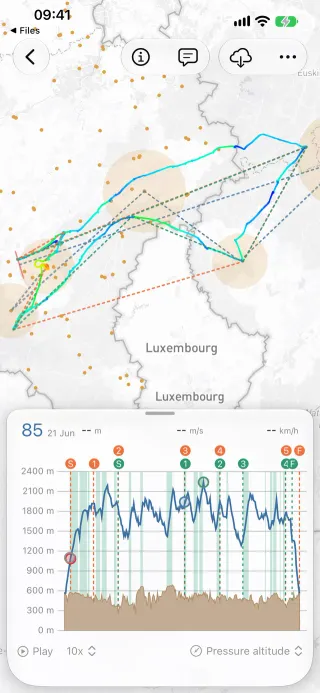
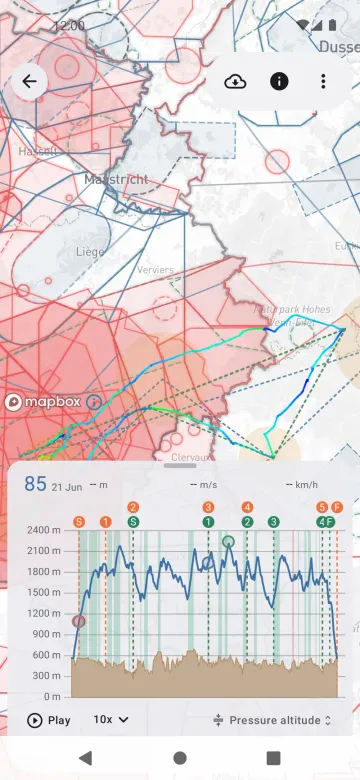
Section titled “Behaviour”- Files shared with Vulture from Mail, Files, a browser or another app (“Open in”, the share sheet, “Open with”) open straight away. A flight opens on the map unsaved and goes to Recents; waypoint and airspace files are imported.
- Opening several flights at once needs Vulture Pro (
severalFlights); without it, the first flight is kept. - On iPad and Mac, flights and tasks can be dragged onto the map (replace or add), onto the list or sidebar (import), or out of the list into other apps. Adding a second flight to a map needs Pro.
Platform differences
Section titled “Platform differences”- iOS declares the file types as UTIs (
public.igc,public.cup,public.cub,public.aip) inInfo.plist. Android uses MIME types and.igcpath patterns and sniffs the content. - Android names a shared flight without a filename
{compId|registration|pilot}_{ddMMyyyy}.igcin UTC; iOS skips it (decisions §7). Back during a shared open cancels it on Android (decisions §6). - Android has no drag and drop (HIG vs Material, decisions §17).