
SkyLines
| Platform | Status | Where |
|---|---|---|
| iOS | done | vulture-ios/Packages/SkyLinesvulture-ios/Packages/SettingsScreens/Sources/SettingsScreens/Services/SkyLinesvulture-ios/Modules/App/Sources/Support/Upload/SkyLines |
| Android | done | vulture-android/data/skylinesvulture-android/feature/serviceflightsvulture-android/feature/uploadFIXED(B2), FIXED(B42), FIXED(B47). |
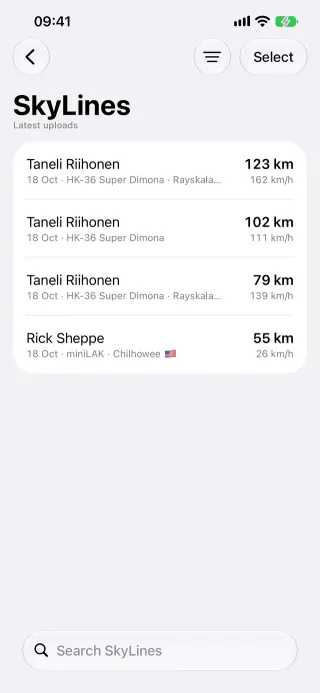
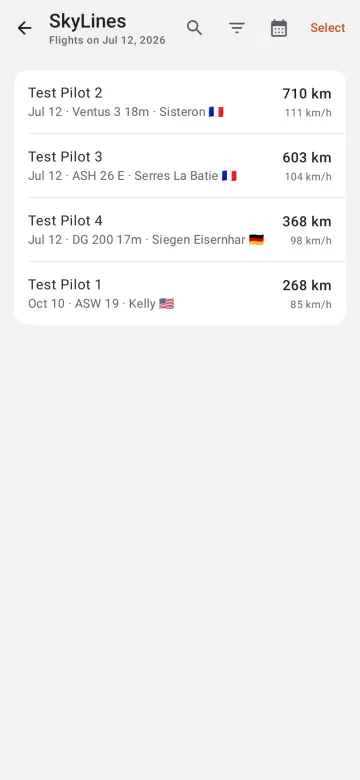
Behaviour
Section titled “Behaviour”- Account: sign in with a username and password (HTTP Basic), with an option to publish on upload.
- Browse and download: the latest flights, flights by date or by pilot.
- Upload (Pro,
uploads): uploads a flight and optionally publishes it.
Platform differences
Section titled “Platform differences”- Android sends the date as
yyyy-MM-dd(B2, done on iOS), decodes a refused upload (B42) and handles empty results (B47); iOS fixes were requested for B42 and B47. - Android records the SkyLines flight ID after an upload (P7-D16).