
Logbook
| Platform | Status | Where |
|---|---|---|
| iOS | done | vulture-ios/Modules/App/Sources/Shell/Sidebar/Listvulture-ios/Packages/FlightScreens/Sources/FlightScreens/FlightListvulture-ios/Modules/App/Sources/Map/Galleryvulture-ios/Packages/TrackShape |
| Android | done | vulture-android/feature/flightlistvulture-android/feature/libraryvulture-android/domain/trackshapevulture-android/domain/logbookFIXED(B11), FIXED(B12), FIXED(B13). No screen transitions (decisions §17). |
Behaviour
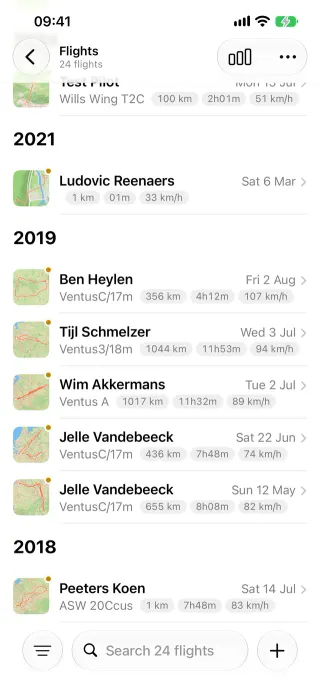
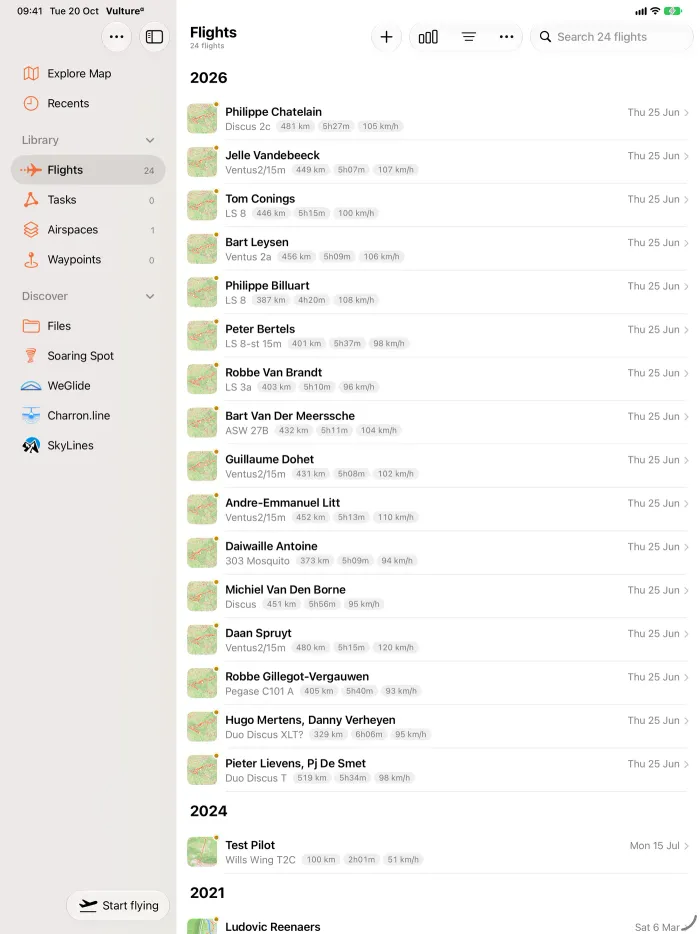
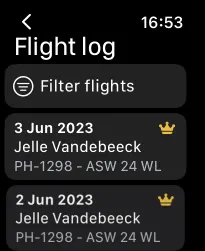
Section titled “Behaviour”- The logbook lists every flight the pilot imported or recorded, grouped in sections by year.
- Each row or card shows a simplified shape of the track, plus date, take-off, duration and distance.
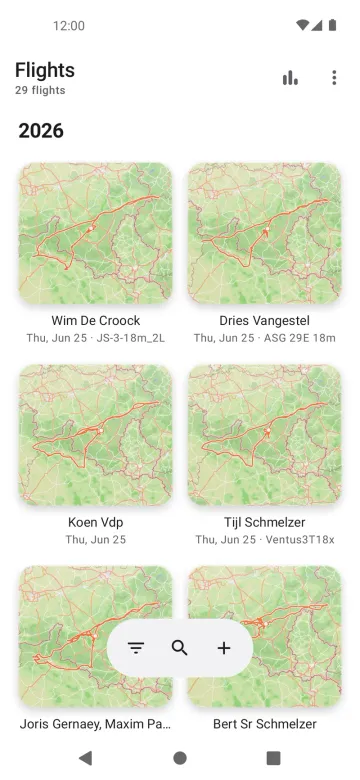
- Two presentations: a list, or a gallery of map-artwork cards with zoom levels. The same gallery is used for tasks, waypoint files and airspace files on iOS.
- Select mode opens several flights at once, deletes them or shares them. Opening more than one flight on a map needs Vulture Pro (Several flights on one map).
- A long press (iOS context menu, Android quick look) gives share, save, remove, mark, delete, edit and upload.
- The library shell around it holds the Logbook, Recents, Tasks, Files and the Discover section (Soaring Spot, WeGlide, Charron.line, SkyLines, Files).
Platform differences
Section titled “Platform differences”- Android opens in the gallery by default. Its gallery artwork carries no Mapbox attribution (decisions §7).
- Android fixes from iOS: preview duration past 24 hours (B11), white-space trimming (B12), blank pilot names shown as ”—” (B13). iOS fixes were requested.
- Android has no Tasks or Waypoints lists in the library in v1 (P6-D16); tasks appear only through Soaring Spot and WeGlide task maps.
- On tablets Android uses a navigation rail and drawer instead of the iOS sidebar and inspector column, and has no screen transitions (decisions §17).
Related
Section titled “Related”- Filter, sort and search, Recents, Edit flight
- Task list, Waypoint files
- Flight screens §3 (flight list, §3.5 list vs gallery, §3.11 select mode)
- Track simplification, Flight analysis §10
- Port decisions §7