
Map style and layers
| Platform | Status | Where |
|---|---|---|
| iOS | done | vulture-ios/Packages/Preferences/Sources/Preferences/Modelsvulture-ios/Packages/SettingsScreens/Sources/SettingsScreens/Settings/MapStylevulture-ios/Packages/SettingsScreens/Sources/SettingsScreens/Settings/FlightDisplayvulture-ios/Modules/App/Sources/Map/Rendering |
| Android | done | vulture-android/core/mapvulture-android/feature/settings |
Behaviour
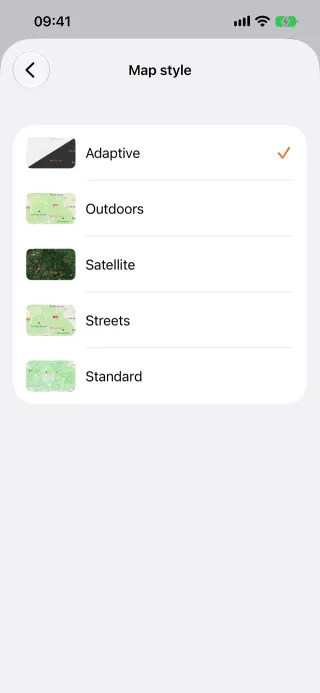
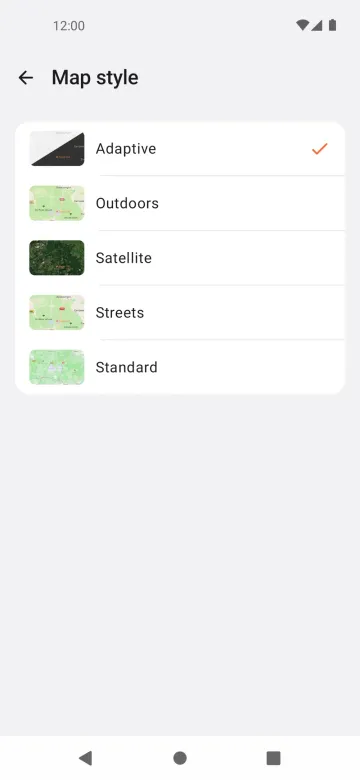
Section titled “Behaviour”- Map styles: Adaptive (light or dark with the system), Outdoor, Satellite, Streets and Standard (Mapbox).
- Layer toggles: track, coloured track, thermals, thermal attempts, altitude gained, flight events, task, optimised task, assigned task time, wind, flight level and photos.
- Optimisation type for the optimised track: out, out and return, triangle, 3 or 5 turnpoints (Track optimisation).
- These live in Settings (Map style, Flight display, Performance, Thermals) and sync between devices.
Platform differences
Section titled “Platform differences”- iOS stores the style and toggles as integer indices in iCloud KVS; Android stores ids in
settings/synced. iOSVultureShowTrackmaps to two Android keys (Sync schema §2). - Android shows the Mapbox attribution on interactive maps (an accepted deviation).
- Flight level is a local, unsynced setting on Android.