
Behaviour
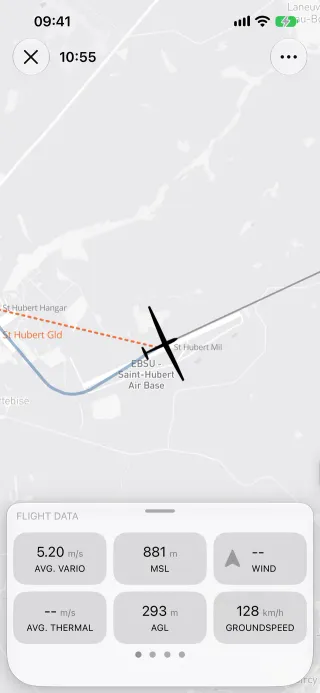
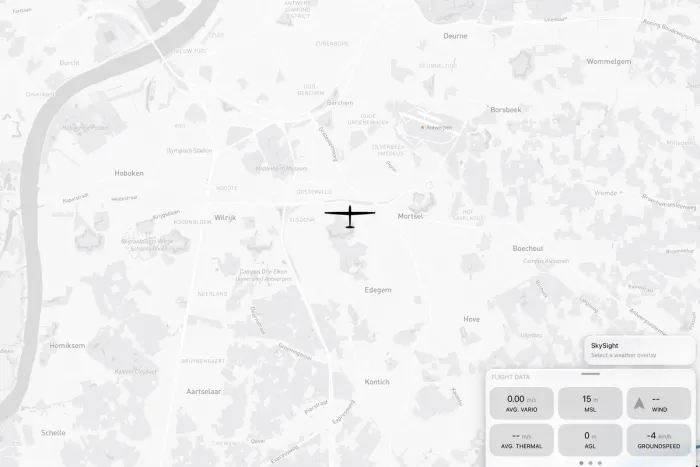
Section titled “Behaviour”- Start flying from the app, the Control Center control, a home-screen quick action or Siri; the in-flight map opens.
- GPS and barometer fixes are written to a crash-safe store, then saved as an IGC file in the logbook.
- The IGC carries an
AVULA record, the HF header from the flight declaration andHFFTYFRTYPE:Vulture(orVulture Watch). - Mark event writes a pilot event (PEV) into the recording, from the map or the Live Activity.
- Needs Vulture Pro (
recording). A recording already running can always be resumed for free. - A location simulator exists for debugging only.
Platform differences
Section titled “Platform differences”- Not in Android v1. If Android records later, it must write the same IGC headers so the backend and the analysis treat its files alike.
Related
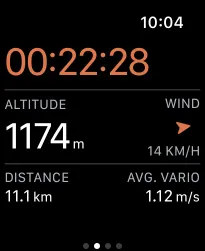
Section titled “Related”- In-flight display, Go to a target, Live Activity and Control Center, Apple Watch app
- Flight analysis §9.5 (IGC writing)
- Persistence §1.3 (
FixRecord)